You haven't signed in yet, you can have a better experience after signing in
Ashampoo PDF Pro 5 Professional PDF Document Management and Editing Software
Activity Rules
1、Activity time:{{ info.groupon.start_at }} ~ {{ info.groupon.end_at }}。
1、Activity time:cease when sold out。
2、Validity period of the Group Buying:{{ info.groupon.expire_days * 24 }} hours。
3、Number of Group Buying:{{ info.groupon.need_count }}x。
Please Pay Attention
1、Teamwork process: Join/initiate a Group Buying and make a successful payment - Within the validity period, the number of team members meets the activity requirements - Group Buying succeeded!
2、If the number of participants cannot be met within the valid period, the group will fail, and the paid amount will be refunded in the original way.
3、The number of people required and the time of the event may vary among different products. Please pay attention to the rules of the event.
Fully functional PDF management tool - fast, efficient, and intuitive
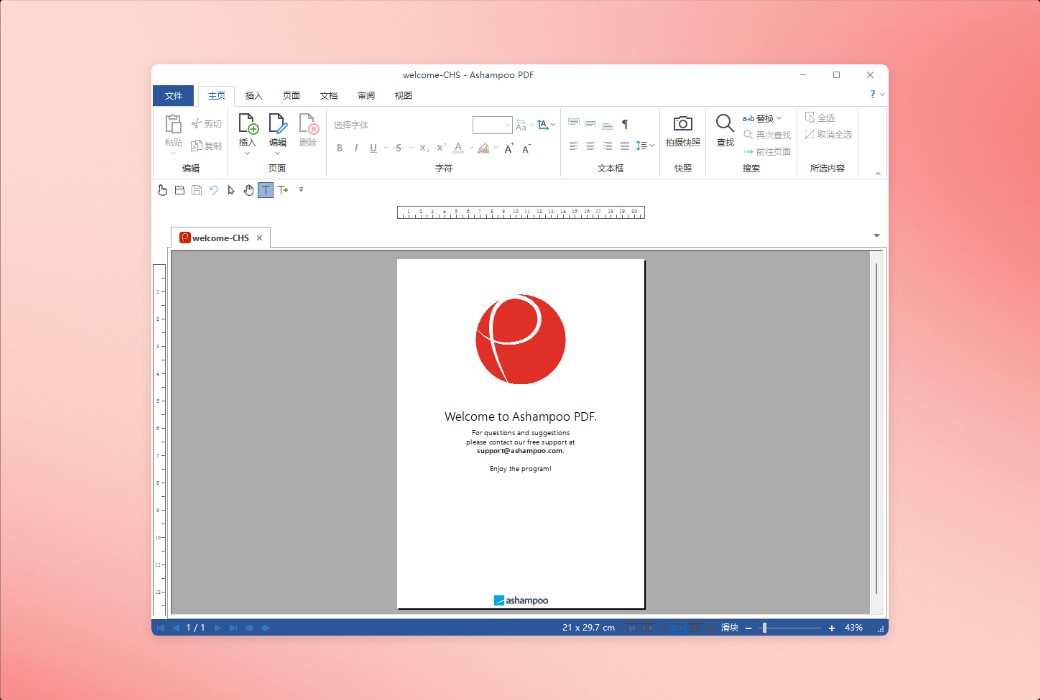
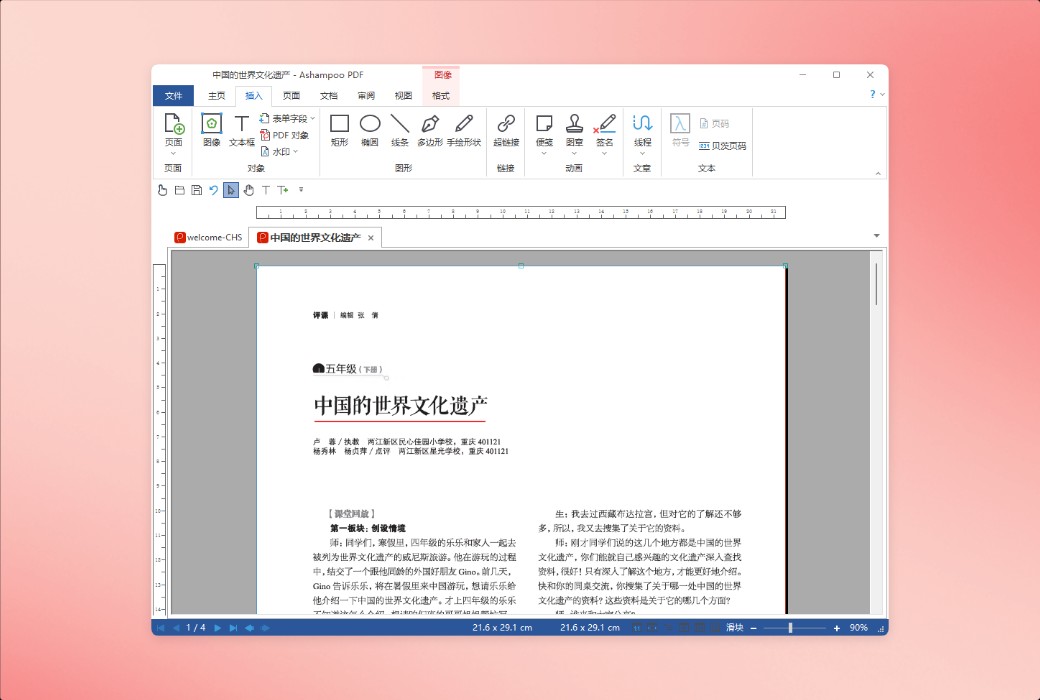
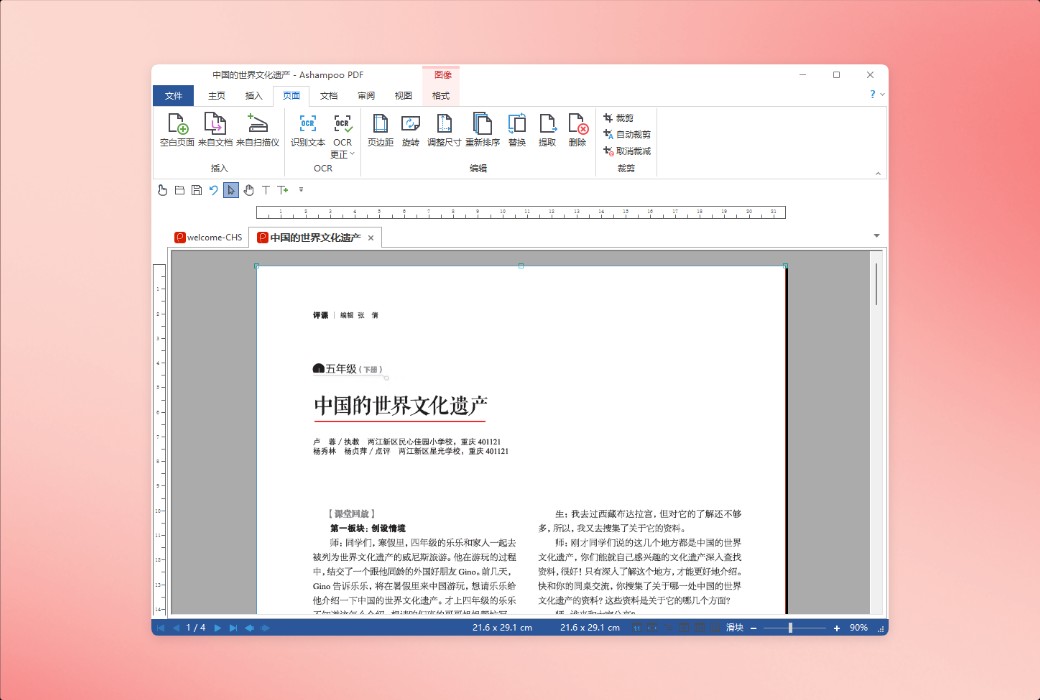
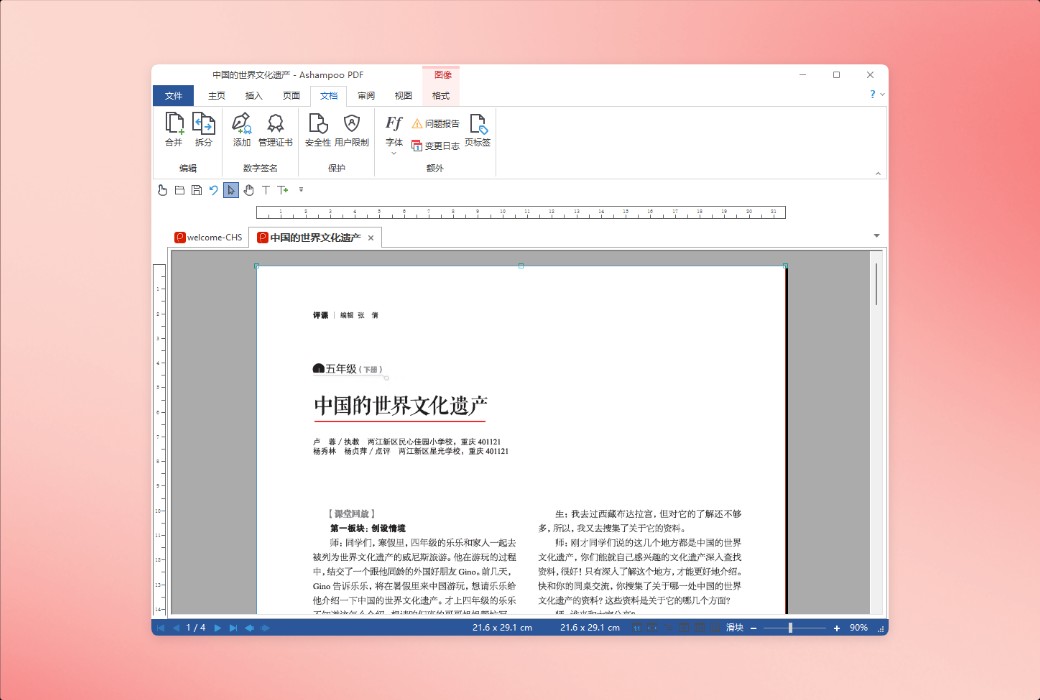
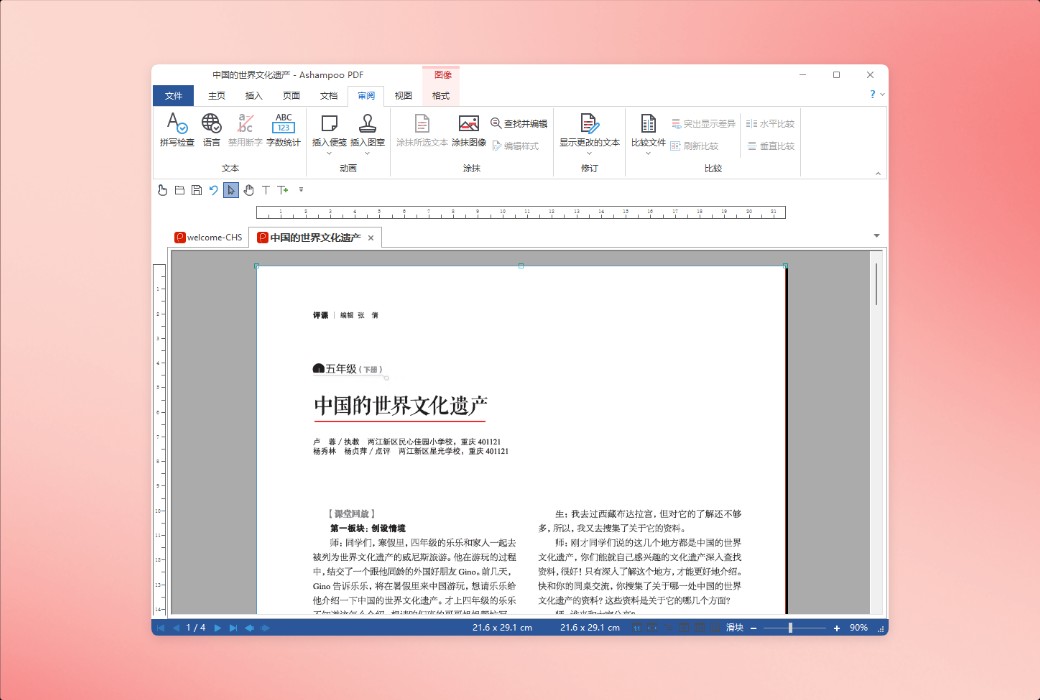
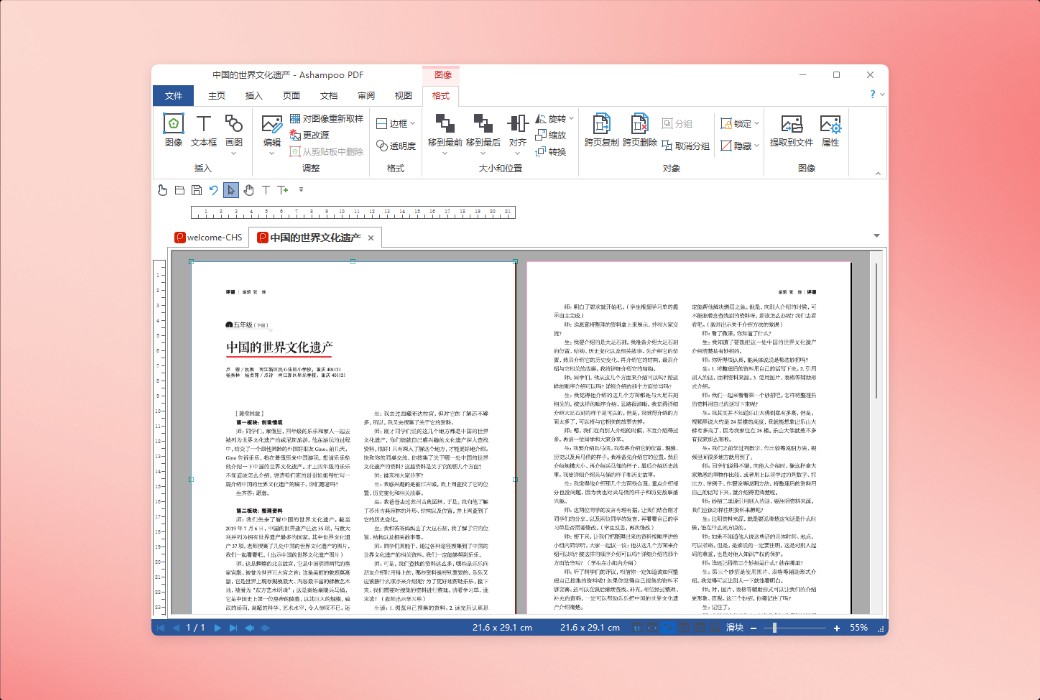
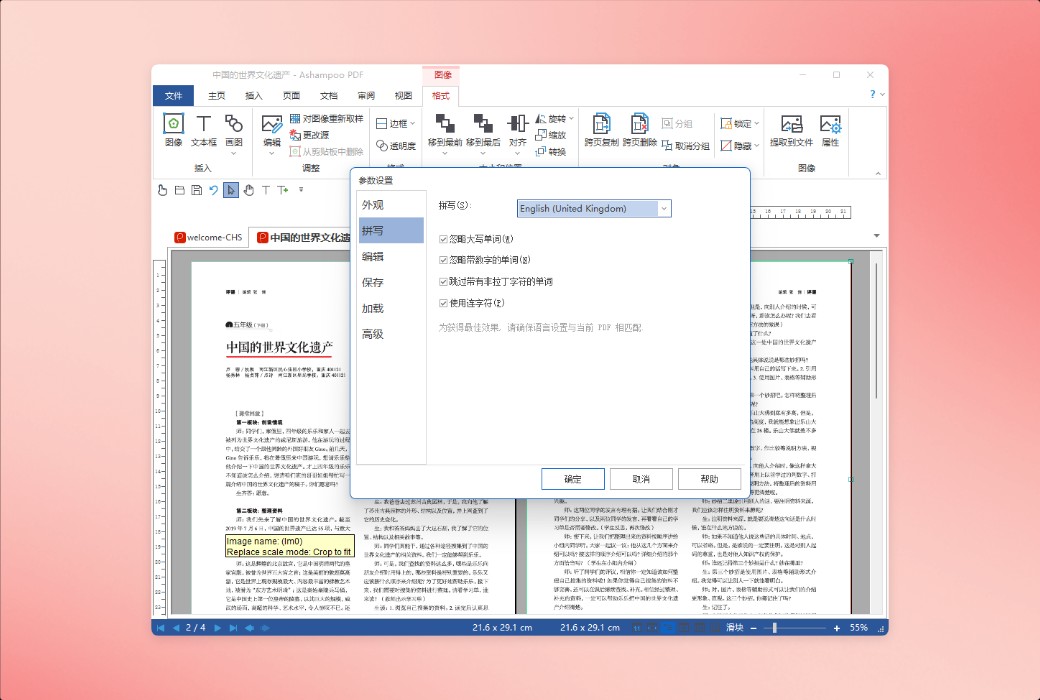
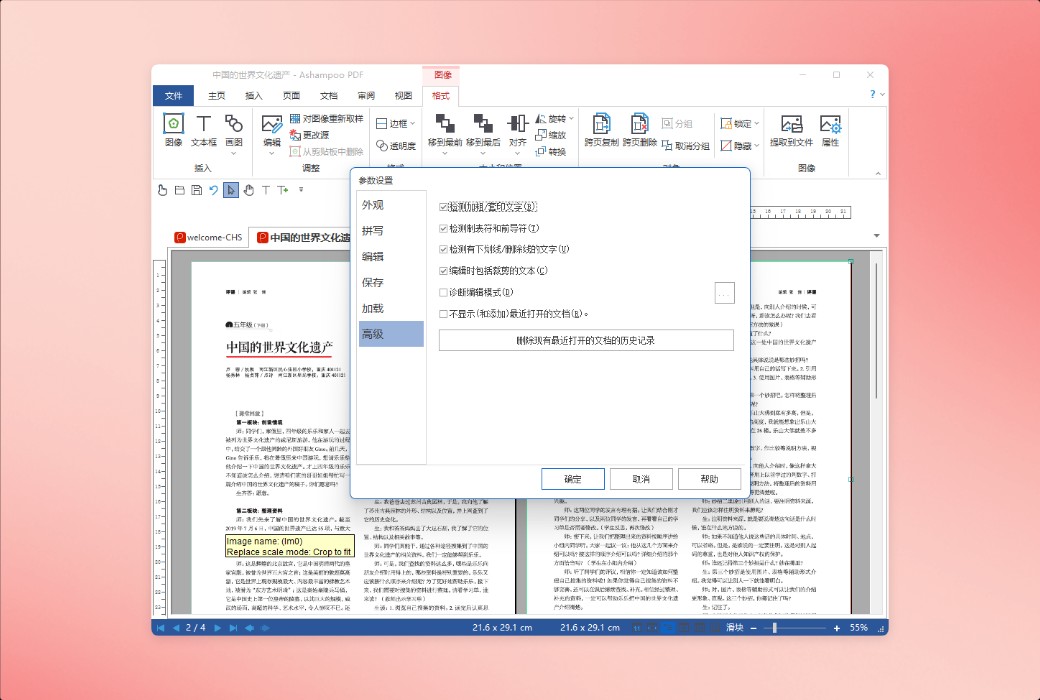
Ashampoo PDF Pro 5 is a complete solution for managing and editing PDF documents. This program has all the necessary functions for creating, converting, editing, merging, and protecting PDFs. You can create documents of perfect size that can be read on any device, and use encryption to protect your data when needed. Now, you can easily edit PDFs like editing Word documents!
More powerful processing capabilities, easily handling large documents
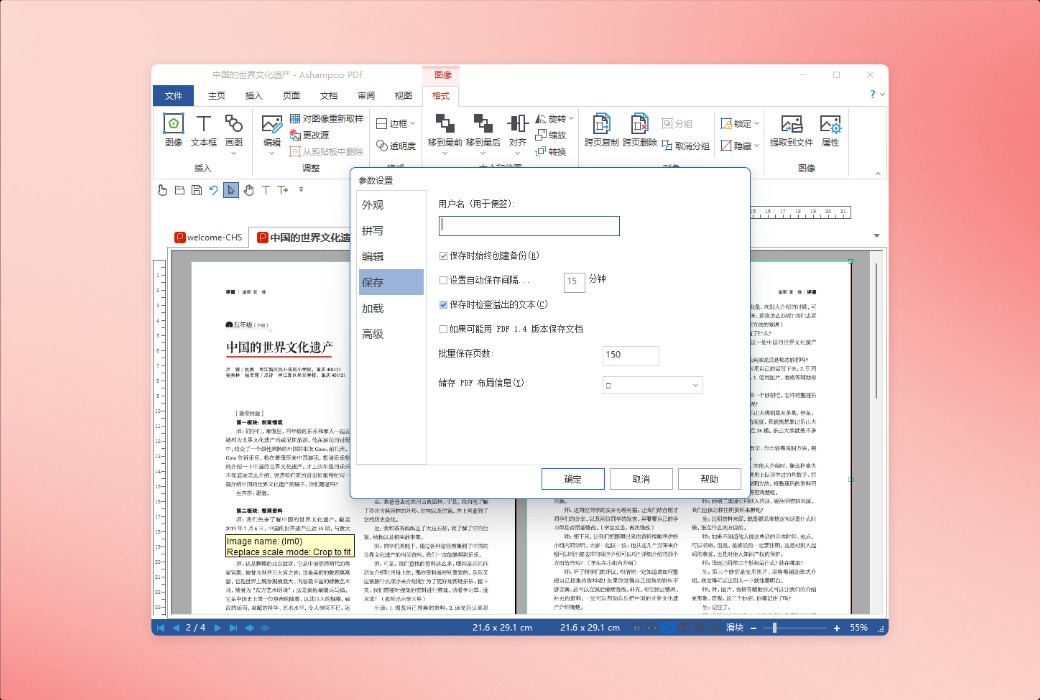
Faster startup, smoother operation, and safer storage
Ashampoo PDF Pro 5 fully supports 64 bit architecture and has access to all available system memory, making it easy to handle even the largest PDF files. Now, even when dealing with complex or large data documents, it can run smoothly, bidding farewell to lag and latency. Whether it's technical manuals, research papers, or complete product catalogs, Ashampoo PDF Pro 5 can easily handle them with amazing speed and stability.
Open PDFs as you please
Edit the document in your preferred way
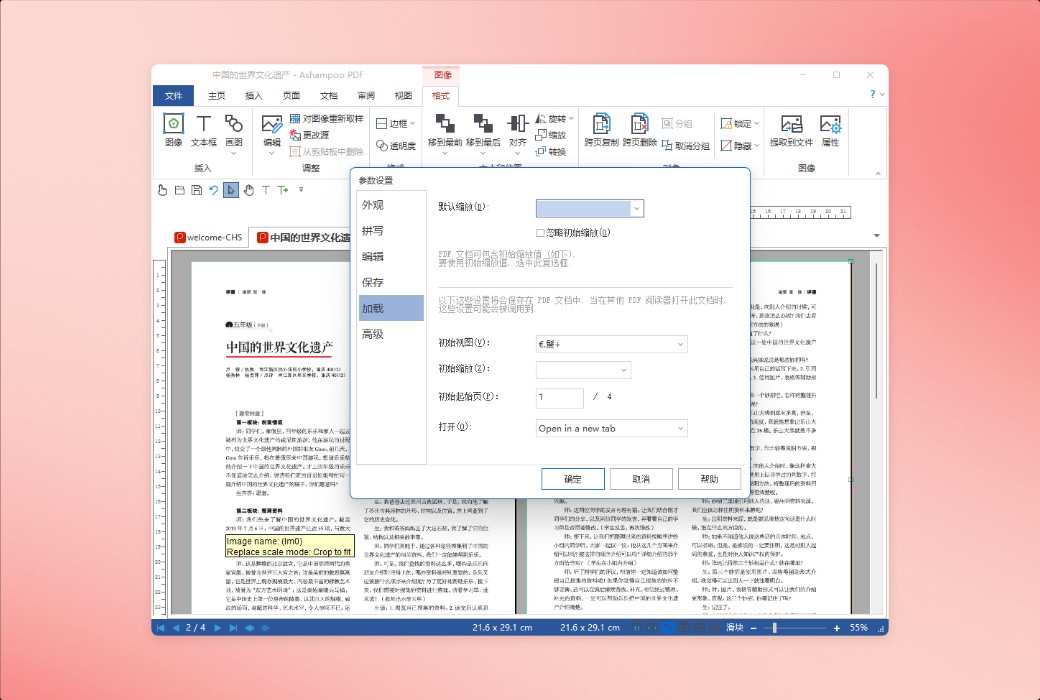
The file opening method for Ashampoo PDF Pro 5 is up to you. Through the options menu, you can choose to open a new PDF file as a tab, in a separate window, or within the same workspace. This ensures that all content is organized and optimized according to your workflow preferences. Whether you prefer to focus on editing a single document or work on multiple projects simultaneously, Ashampoo PDF Pro 5 can perfectly adapt to your work style.
Convenient experience, all in the details
Intelligent functions help you achieve twice the result with half the effort and save clicks
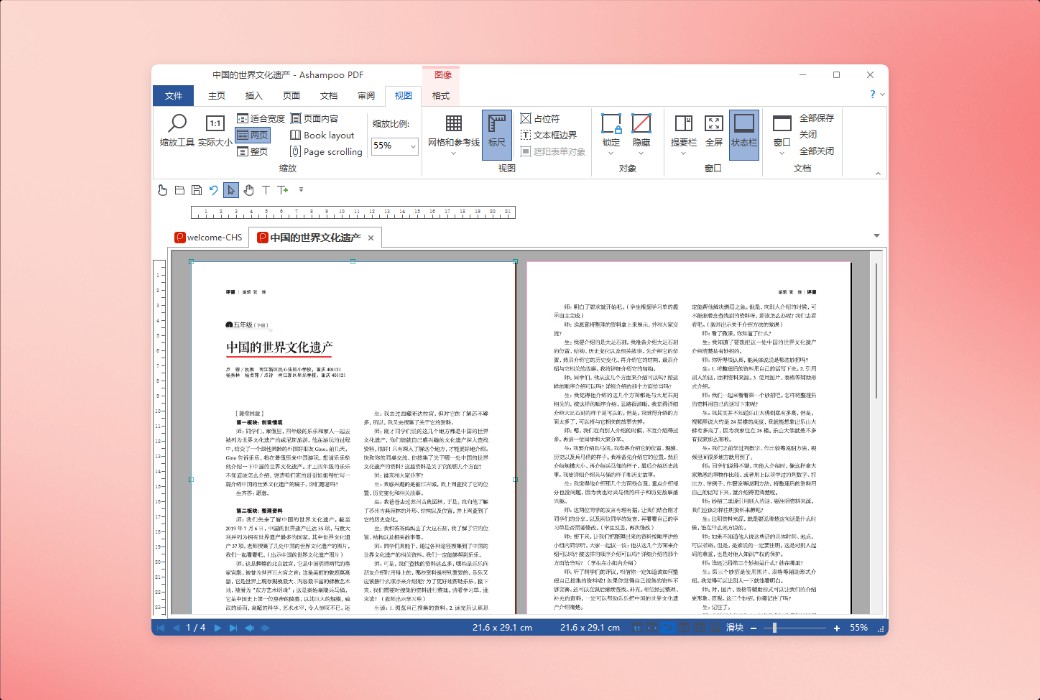
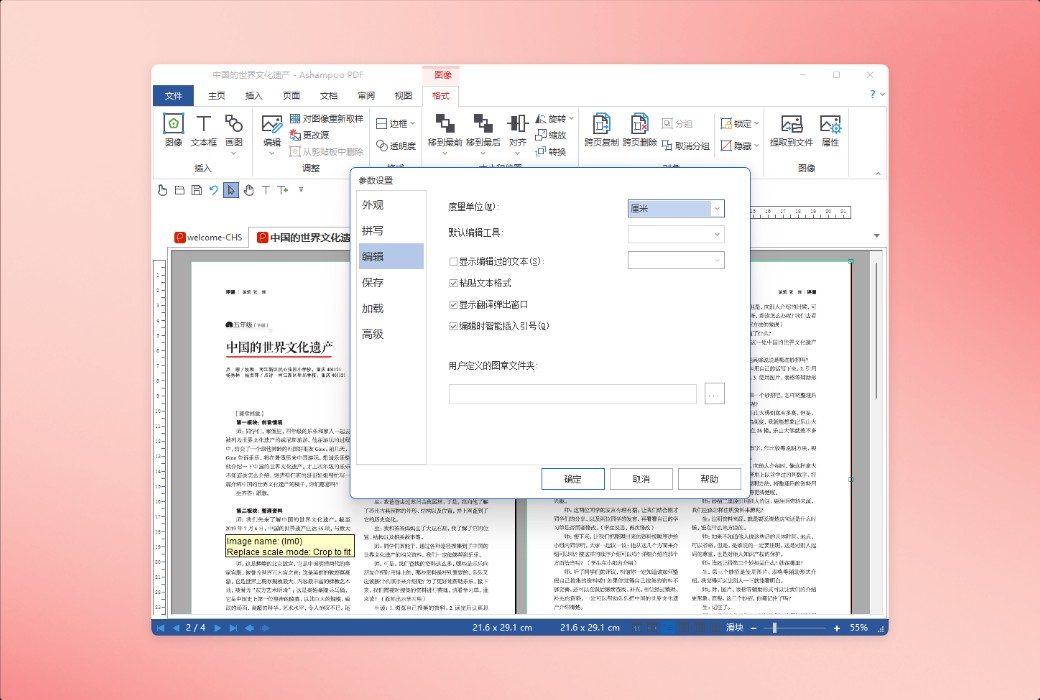
Ashampoo PDF Pro 5 anticipates your needs and brings you significant convenience in daily use. Now, when you open a PDF file from Windows Explorer, it appears as a new tab in an existing window. The new "book layout" view can display two pages side by side, just like a real book; The page by page scrolling function allows you to accurately turn pages every time you scroll the mouse wheel. Simply drag and drop two PDF files into the program to immediately compare the documents and see the differences at a glance. When adding text, Ashampoo PDF Pro 5 will remember the font and size you used last time, ensuring consistent visual effects without the need for manual adjustments.
Don't copy, convert!
Edit your document in MS Word or other formats
Ashampoo PDF can convert your PDF files into text files that can be edited using MS Office or Ashampoo Office. It also supports output formats such as HTML, EPUB, JPG, and RTF. In addition, Ashampoo PDF Pro also supports Optical Character Recognition (OCR), which can convert your scanned documents into editable and searchable files.
Easily create PDF files
Built in PDF printer driver, flexible and convenient
Ashampoo PDF can create high-quality PDFs from any Windows application. Just click on 'Print' and select the built-in Ashampoo PDF virtual printer. If there are file size requirements, Ashampoo PDF can automatically reduce the image size, for example, to facilitate online publishing.
Create trustworthy PDF files using digital signatures
Sign your document to ensure its authenticity and enhance trust!
Digital signatures have the same legal effect as ink signatures on paper documents, but are more secure. They can indicate the authenticity of the document and prevent secret tampering. Ashampoo PDF Pro makes it easy for you to sign documents and helps you establish trust with the recipient.

Official website:https://www.ashampoo.com/zh-cn/pdf-pro
Download Center:https://ashampoo-pdf-pro.apsgo.cn
Backup Download:N/A
Delivery time:Manually process shipments online
Operating Platform:Windows
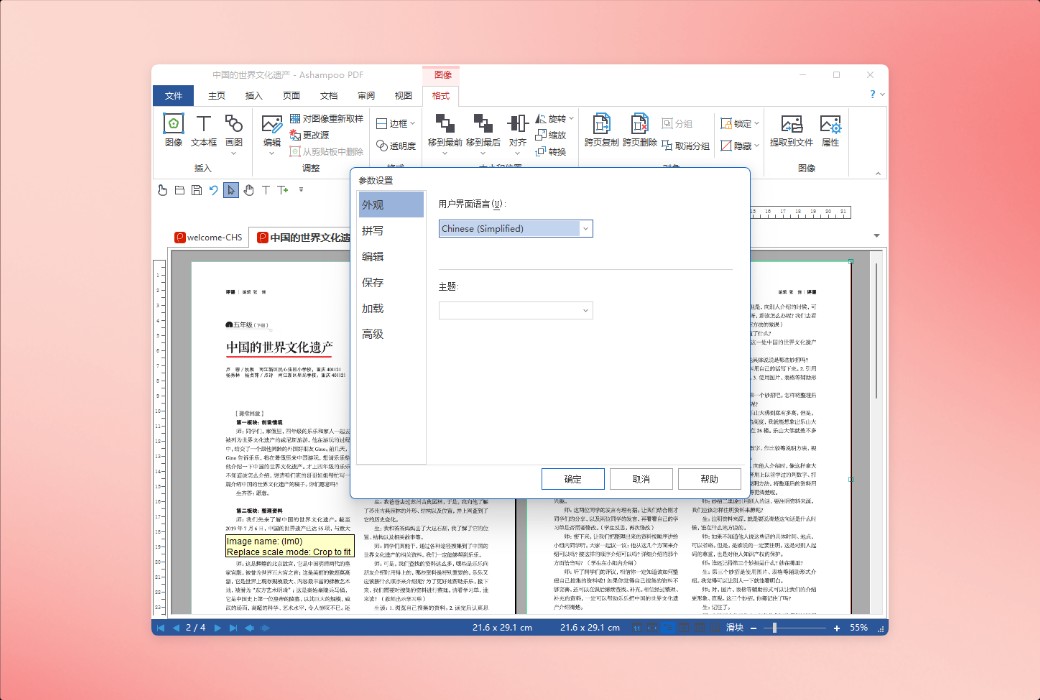
Interface language:Supports Chinese interface display and multiple language options.
Update Description:Permanent use, only supports minor version updates (v5. x).
Trial before purchase:Before purchase, the free version with restricted features can be used.
How to receive goods:After purchase, the activation information will be sent to the email address at the time of placing the order, and the corresponding product activation code can be viewed in the personal center, My Orders.
Number of devices:Can install one computer.
Replace computer:Uninstall the original computer and activate the new computer.
Activation guidance:To be added.
Special note:To be added.
reference material:https://www.ashampoo.com/zh-cn/pdf-pro
Any question